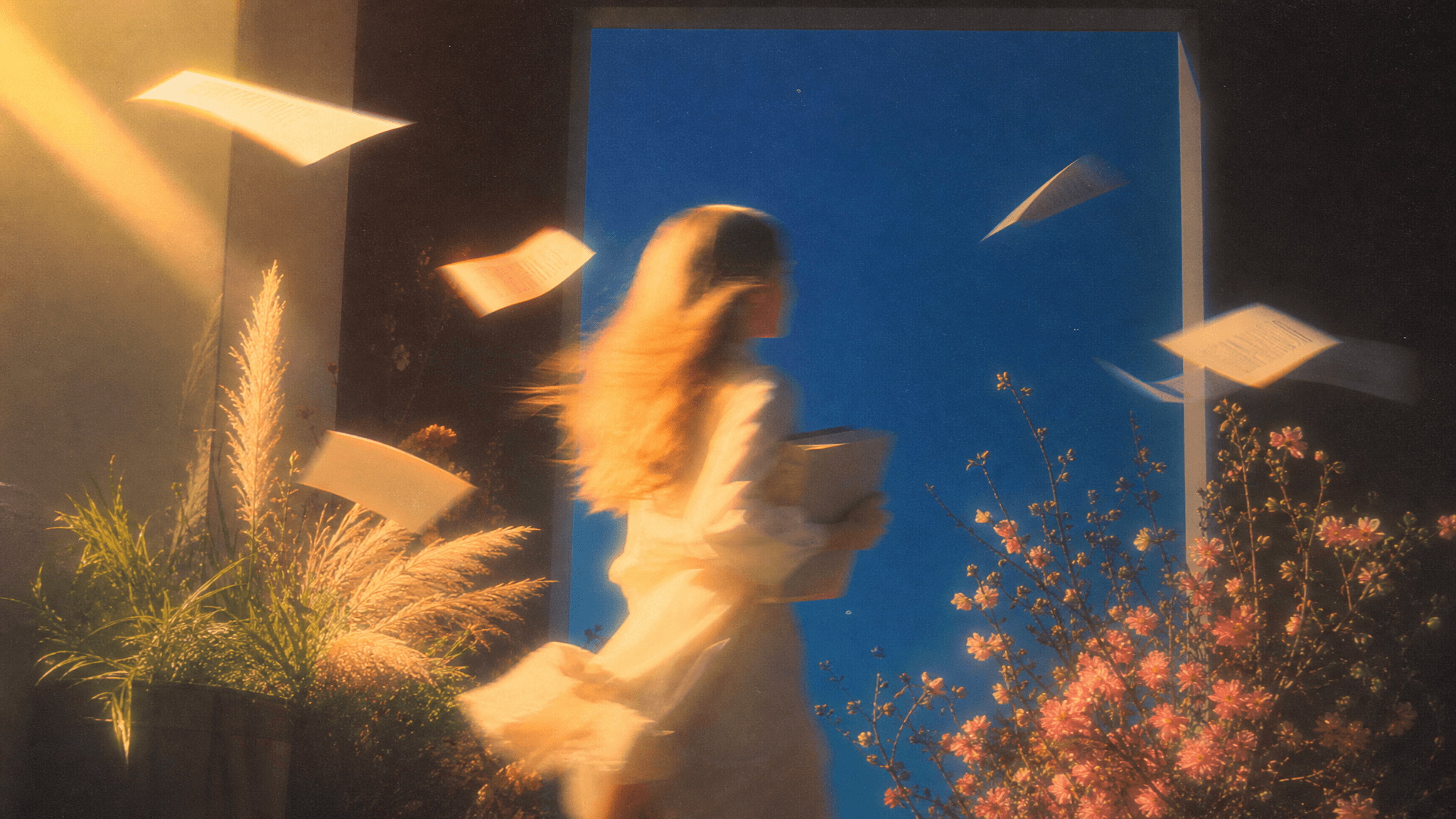
Images
Find the look.
Explore a visual direction, develop a character, or compare a set of frames.
Explore imagesGenerate images, video, text, and audio inside Obsidian Canvas. Connect a reference to a prompt. Follow the idea wherever it goes.
Free plugin for desktop Obsidian. Bring your own provider key.
A stunning medium-shot photograph of a young woman with vibrant red hair styled in a loose bun and bright red lipstick. She has fair skin and a slender, athletic physique. She is wearing a simple white bikini and a white bathrobe draped loosely over her shoulders,

Change the female to a muscular man, wearing sunglasses.

Generate a lyric for this picture.
The sun dips low, painting gold on the waves, a moment of silence is all that he craves.
Men@img1 and women@img2 take turns posing against the railing for photos, holding the camera, with slight shaking. Use @audio as the bgm.
Drag a card, or select it to see its tools. Open this page on a larger screen to try the canvas. Example media only. No AI request is made.
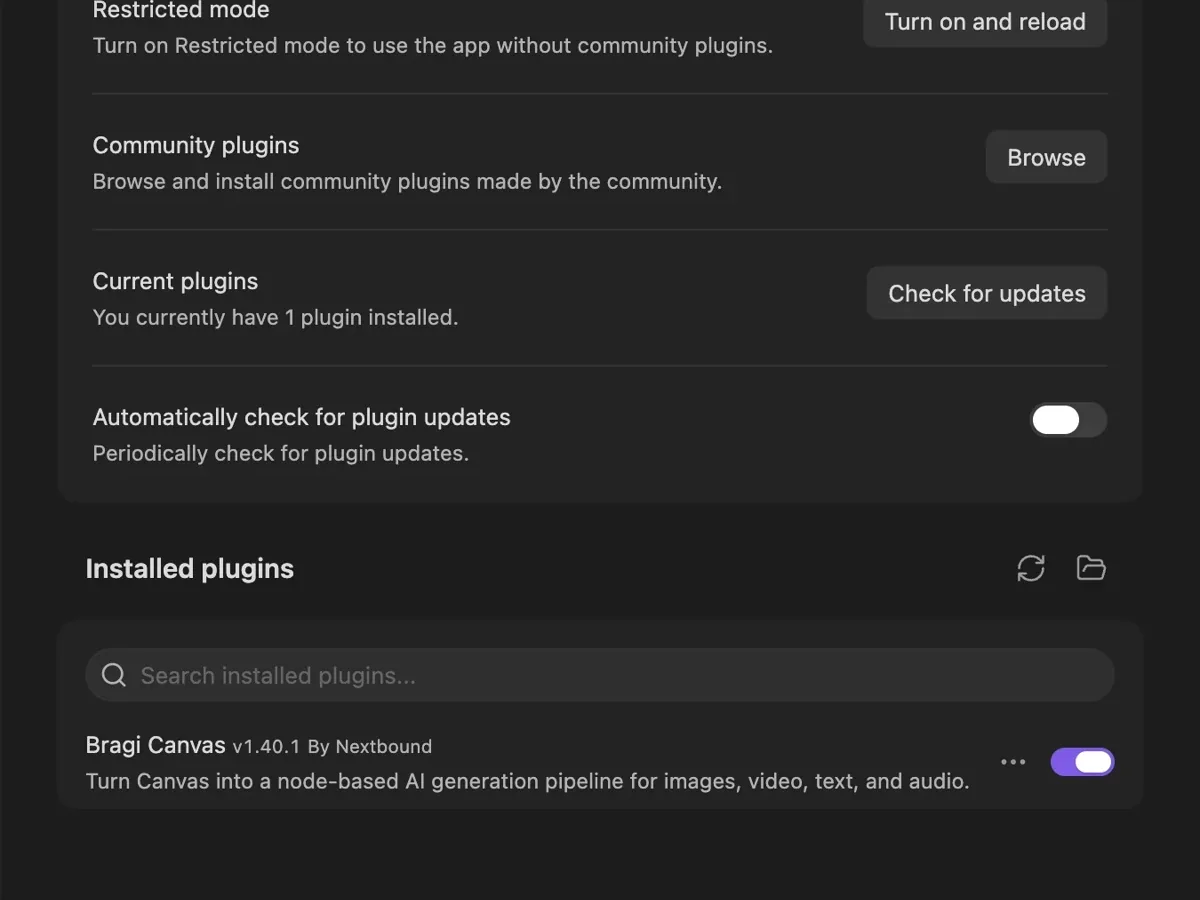
Find Bragi Canvas in Community plugins. Install it, then enable it in your vault.
Find the plugin (opens in a new tab)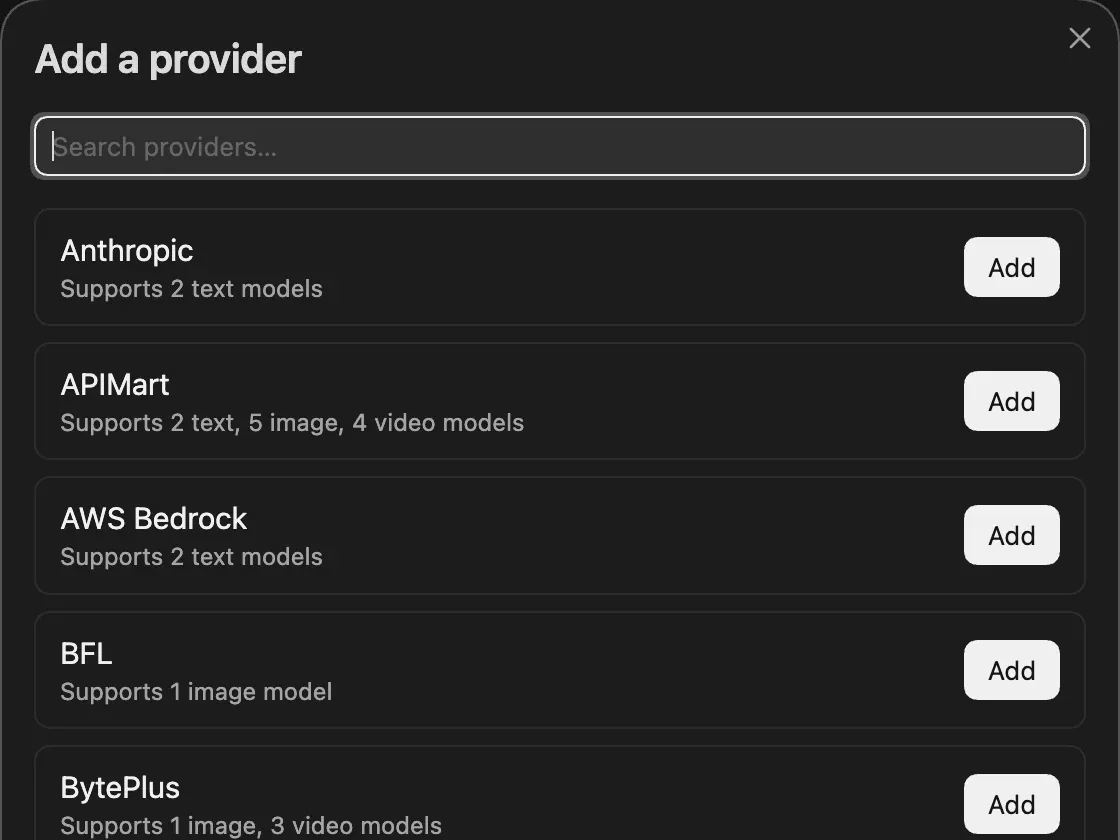
Add a provider key in Bragi settings. Choose which models to enable for your work.
Choose your models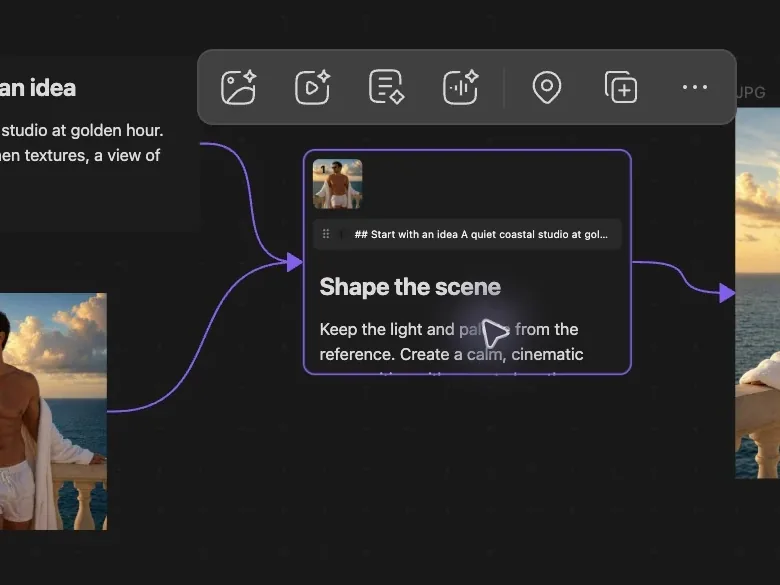
Add a text card, write a prompt, and select it. Choose Generate image, then Run.
Make your first imageMove from a rough brief to a frame, a scene, a voice. Keep the connections.
Images
Explore a visual direction, develop a character, or compare a set of frames.
Explore imagesVideo
Connect a first frame to a motion prompt, then choose a video model.
Explore videoText
Turn a brief into a shot list. Keep research, prompts, and variations in view.
Explore textAudio
Create a voice, a musical idea, or a sound effect alongside the scene.
Explore audio56 models across 26 providers in v1.46.0. Enable only the ones you want to use.
56 models shown
| Model | Type | Providers |
|---|---|---|
| FLUX.2 Klein 9B | image | BFL, RunPod, fal.ai |
| Nano Banana Pro | image | Google Gemini, fal.ai, TokenRouter, APIMart, SVRouter |
| Nano Banana 2 | image | Google Gemini, fal.ai, TokenRouter, APIMart |
| GPT Image 2 | image | OpenAI, fal.ai, TokenRouter, APIMart, SVRouter |
| GPT Image 2 (Official) | image | APIMart, SVRouter |
| GPT Image 2.5 | image | APIMart, SVRouter |
| Grok Imagine | image | xAI, fal.ai |
| Midjourney V8.2 | image | Legnext |
Model capabilities and pricing depend on the provider. Generation is billed by your chosen provider. How connections work
Ask an agent to arrange your references, build a storyboard, or run a connected workflow. Bragi’s optional local MCP server gives it the tools.
Set up agent accessEnable MCP in Bragi settings, then connect your agent.
codex mcp add bragi-canvas --url http://127.0.0.1:17775/mcpLocal connection. Optional access token. Understand the access boundary.
No. Install the plugin in your Obsidian vault and connect your own provider account. The plugin is free; provider generation charges are separate.
Your canvas and generated files live in your vault. Generating sends your prompt and selected references to the chosen provider. Some references use temporary Bragi Relay storage. Read the data guide.
Accepted audio and video tasks remain saved. Reopen their canvas to continue; temporary network problems retry the same task. Use Resume checking after fixing an issue that needs attention. Task recovery guide.
The plugin requires Obsidian desktop 1.8.7 or newer. You can explore this website’s example on a phone, but generation runs in the desktop plugin.
Bragi works with Obsidian’s canvas format and adds connected result nodes when you generate. Back up your vault as usual. Asset migration copies files and updates the current canvas while keeping original files available.